
Every project on one ready-to-use board that puts what’s important on top
Each project keeps its tasks in its own list, so nothing tells you which comes first. The Workpad’s columns, from planning to done, hold one project, a group of related ones, or all of them, with the most urgent and important tasks at the top.
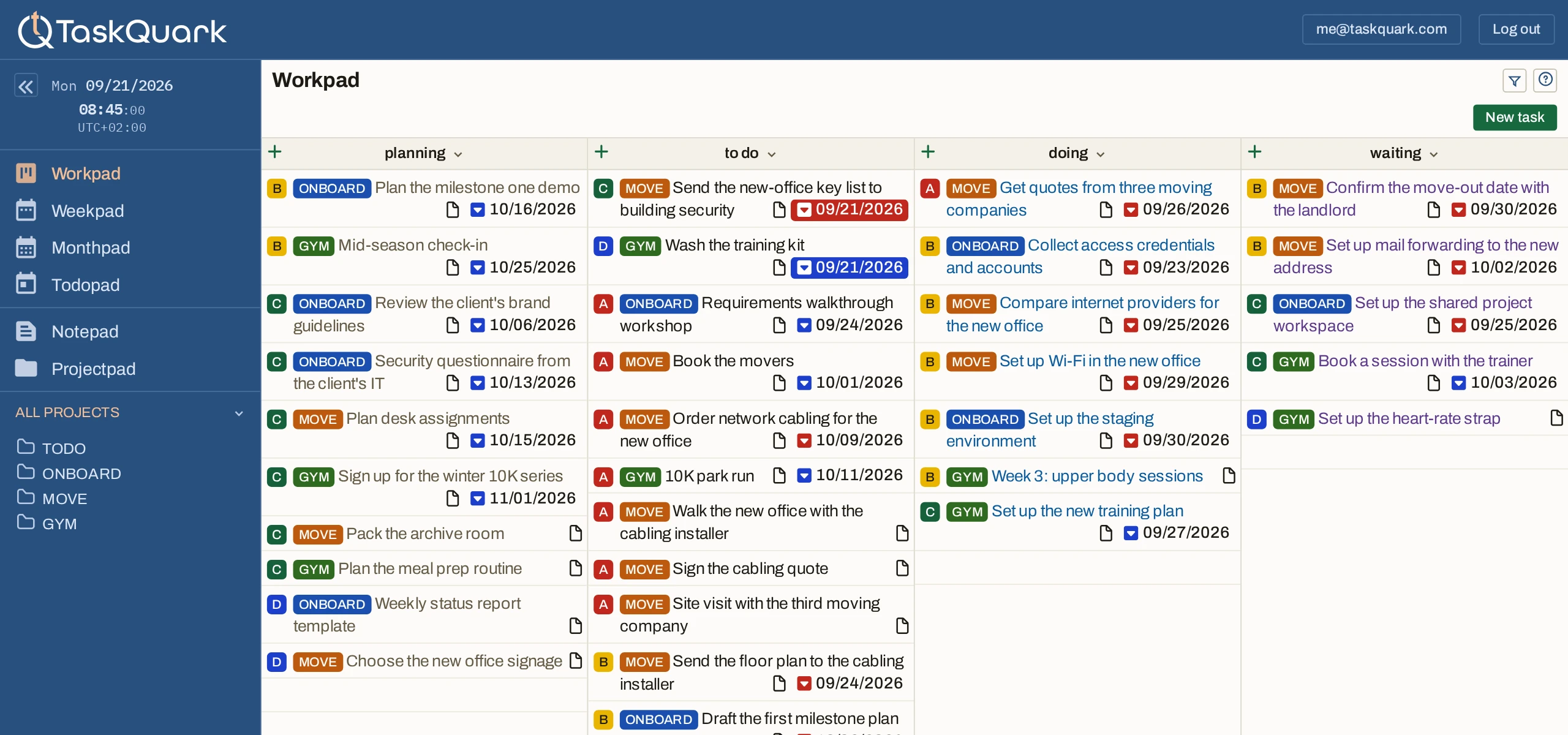
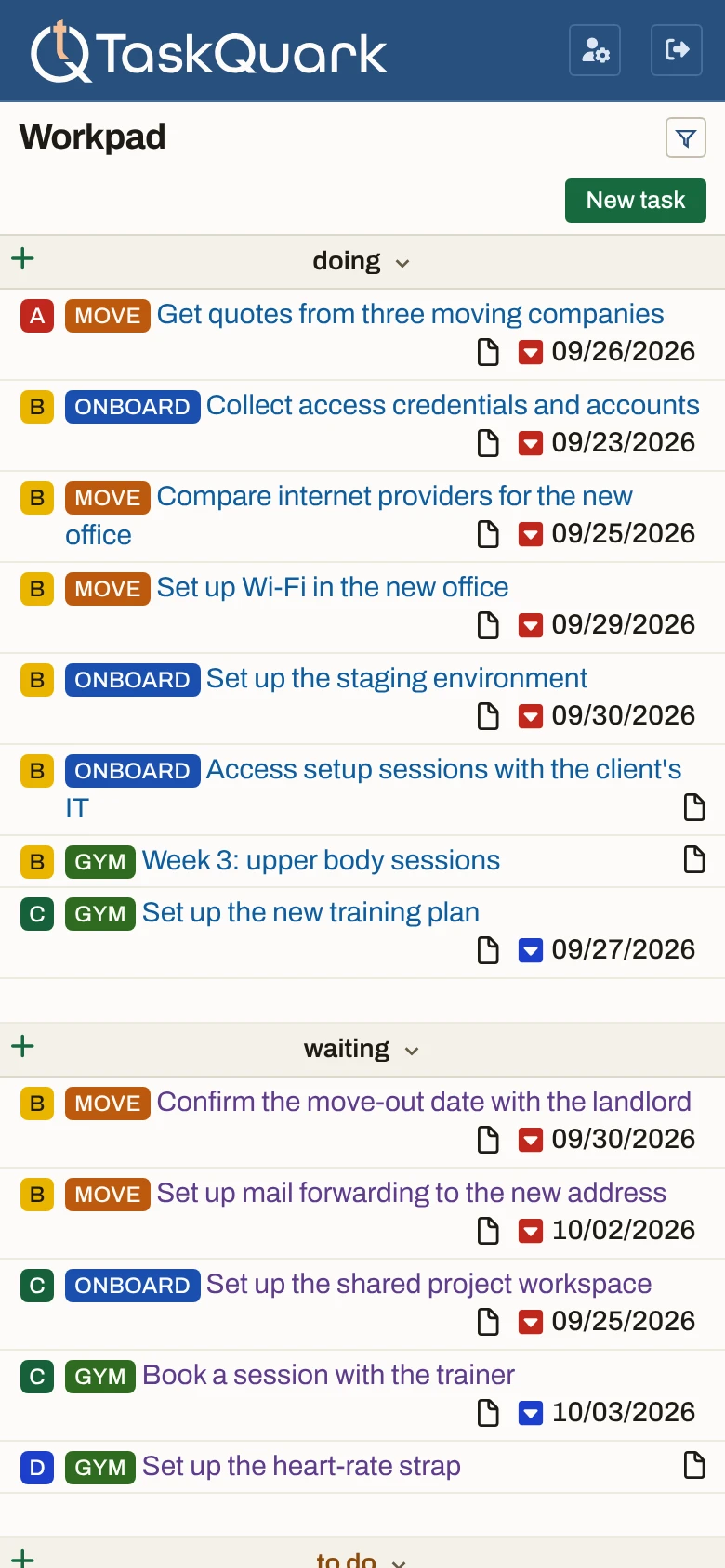
- Planning. Work you mean to do, not yet ready to start.
- To do. Ready to pick up, the most important first.
- Doing. What is under way, from every project at once.
- Waiting. Handed off to someone else, and still in sight.
A simple workflow you never have to design
Nothing to set up before the first task goes on the board. Different states from planning to done, and no rule about how a task moves through them.
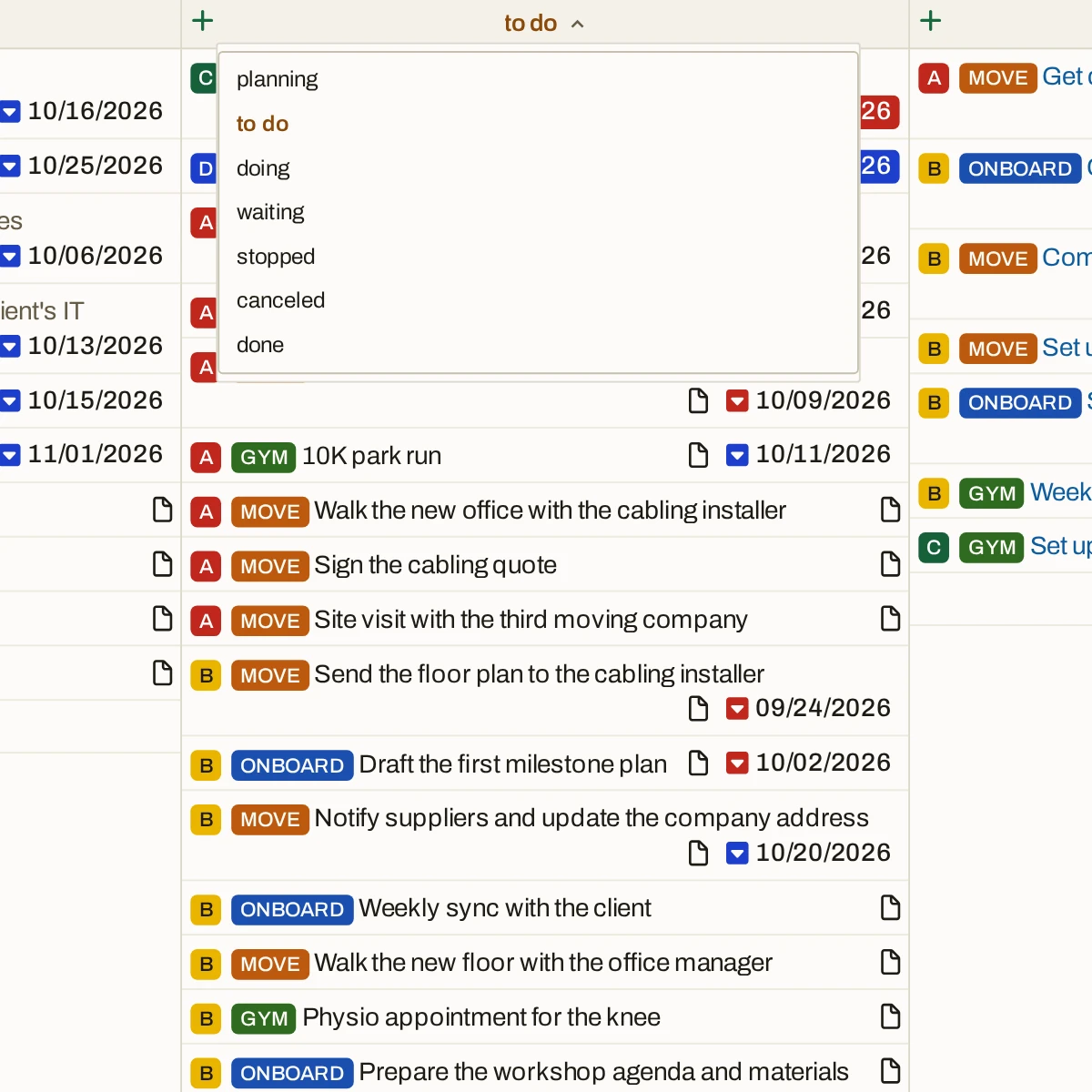
Each column ordered by importance
Tasks sort by the priority you gave them, A to E, across every project on the board — so the top is the next thing to pick up, whichever project it belongs to.
Today’s deadlines go first
A task due today moves to the top of its column, above higher priorities, and one you targeted for today follows it. Once the day has passed, each goes back to its place by priority.
Then priority, then date
Below today’s work a column runs A to E. Within one priority the earliest due or target date comes first, and tasks with no date sit at the bottom.
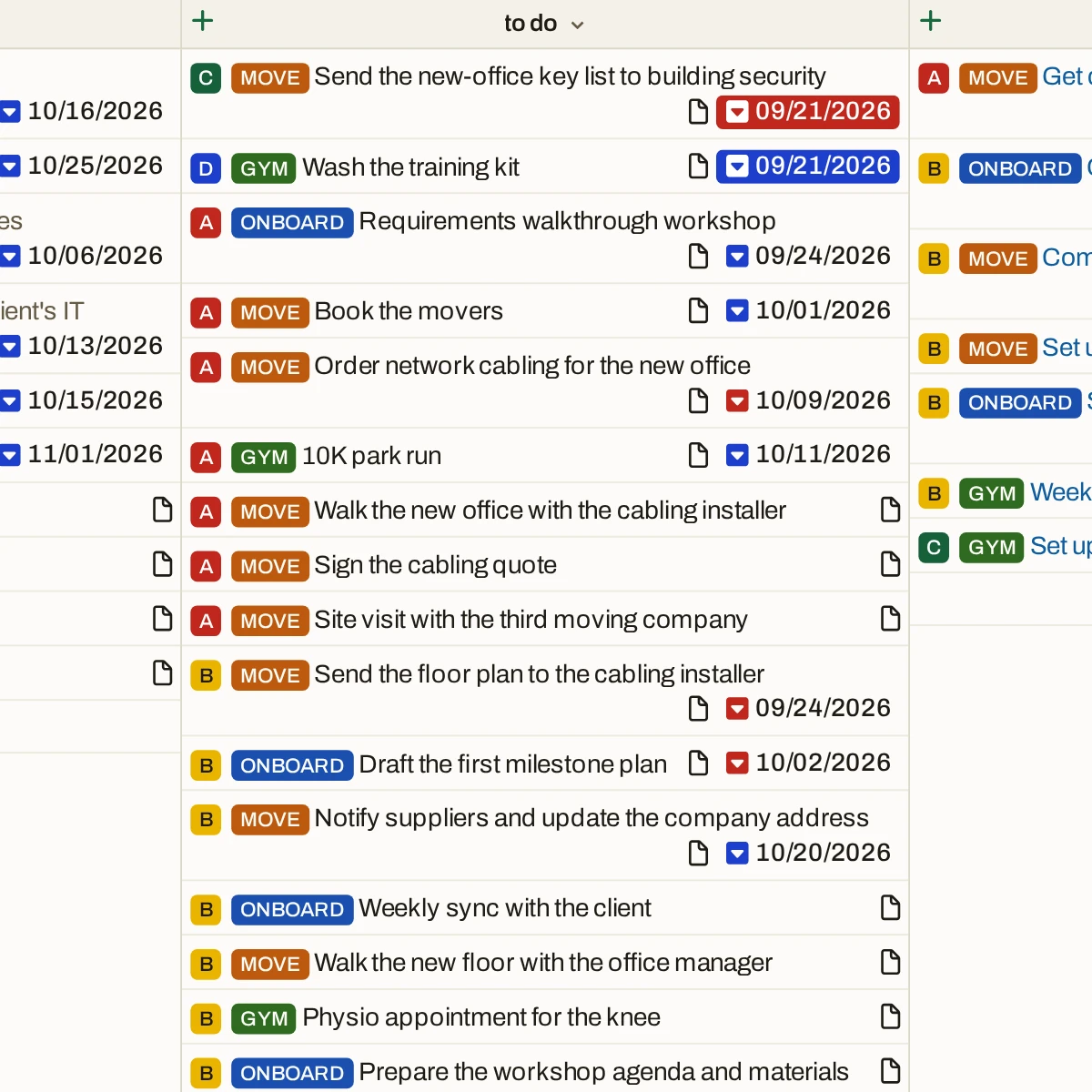
Filter, select, find what you need
A board with every project on it is a lot to take in. Select a project to see only its tasks, then filter by a word in the title to find the one you are after.
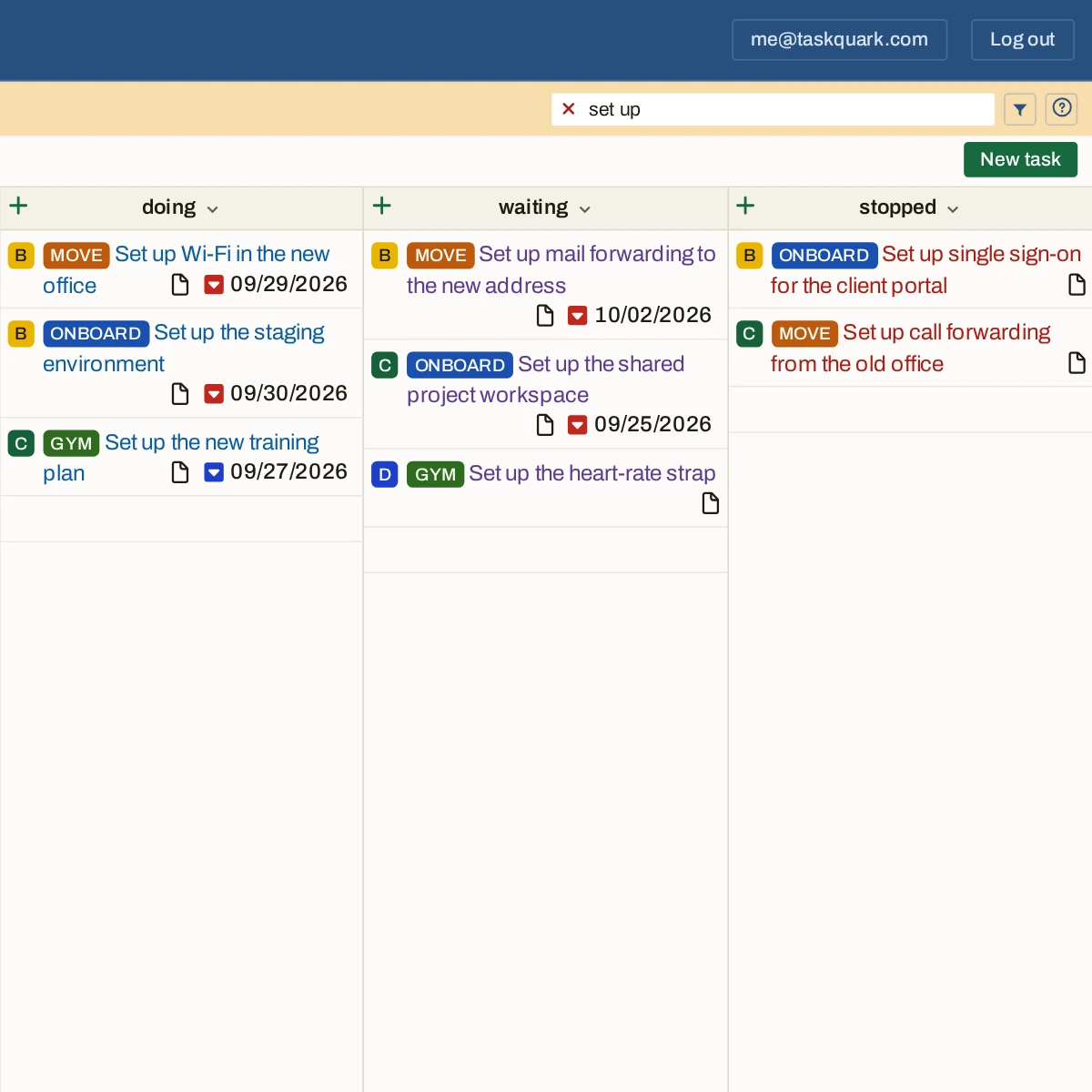
Every client, ranked on one board
Freelancing, each client’s work lives in its own place. Your part of it shares one board in the priority you set, so the next task is the top of To do — whoever it’s for.
What’s stuck is as visible as what’s moving
Managing a team, much of your list sits with other people. Waiting keeps it on the board beside what you are doing, across every project you answer for.
A workflow that stays out of the way
Running a business, there is no time to design a process for your own tasks. Here it is already in place: put each task where it stands and get on with it.
“The Workpad is a very useful feature, looks like a Kanban board and very easy to understand and use.”
Every project on one board, in your order.
Add a project or two and put each task where it stands.The Workpad keeps every column in order.