
Every project on one monthly calendar, the milestones without the daily noise
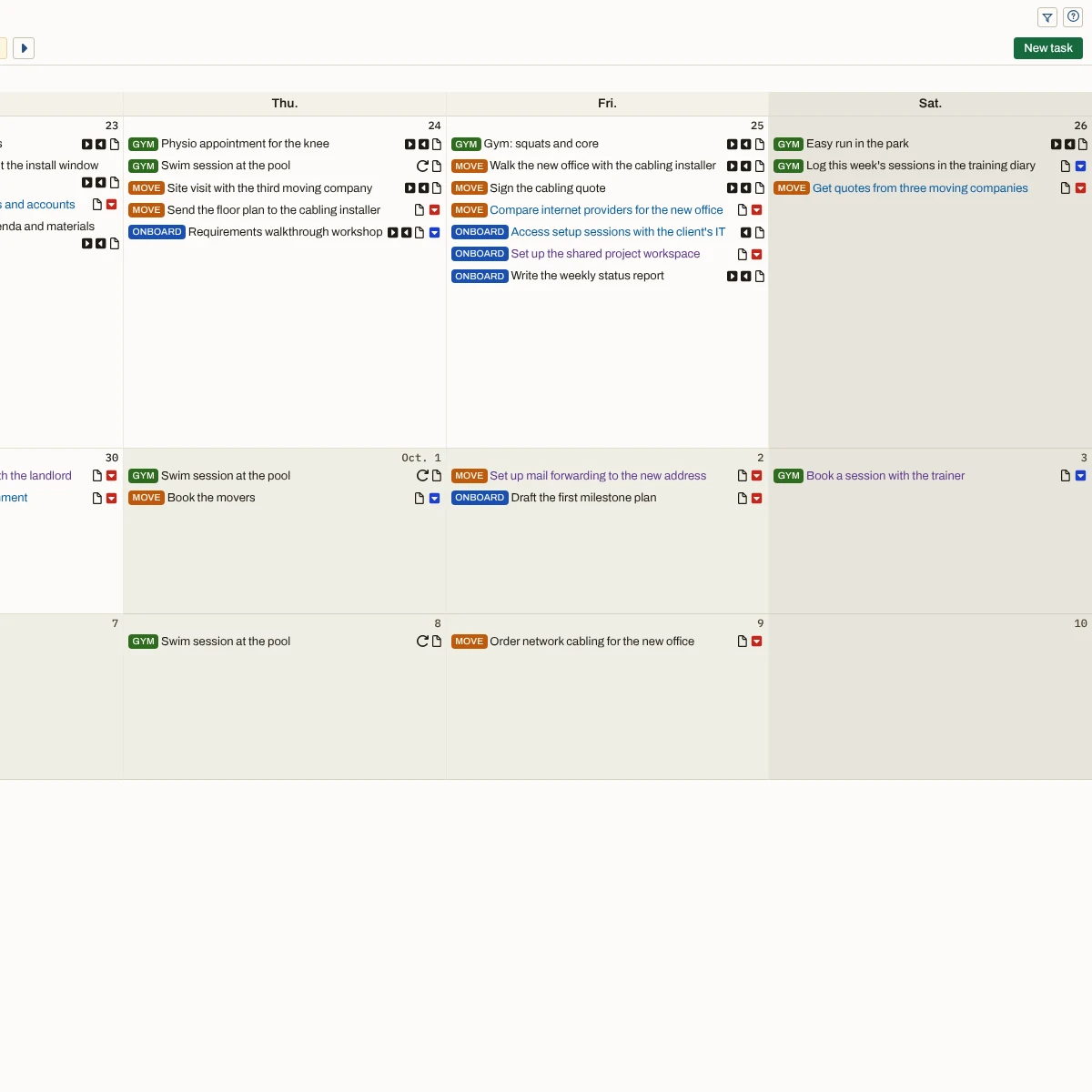
Each project tracks its own dates, so you only find out two deadlines share a week when that week arrives. The Monthpad puts every project’s deadlines and milestones on one calendar, six weeks at a time, with ongoing tasks shown or hidden as you choose.
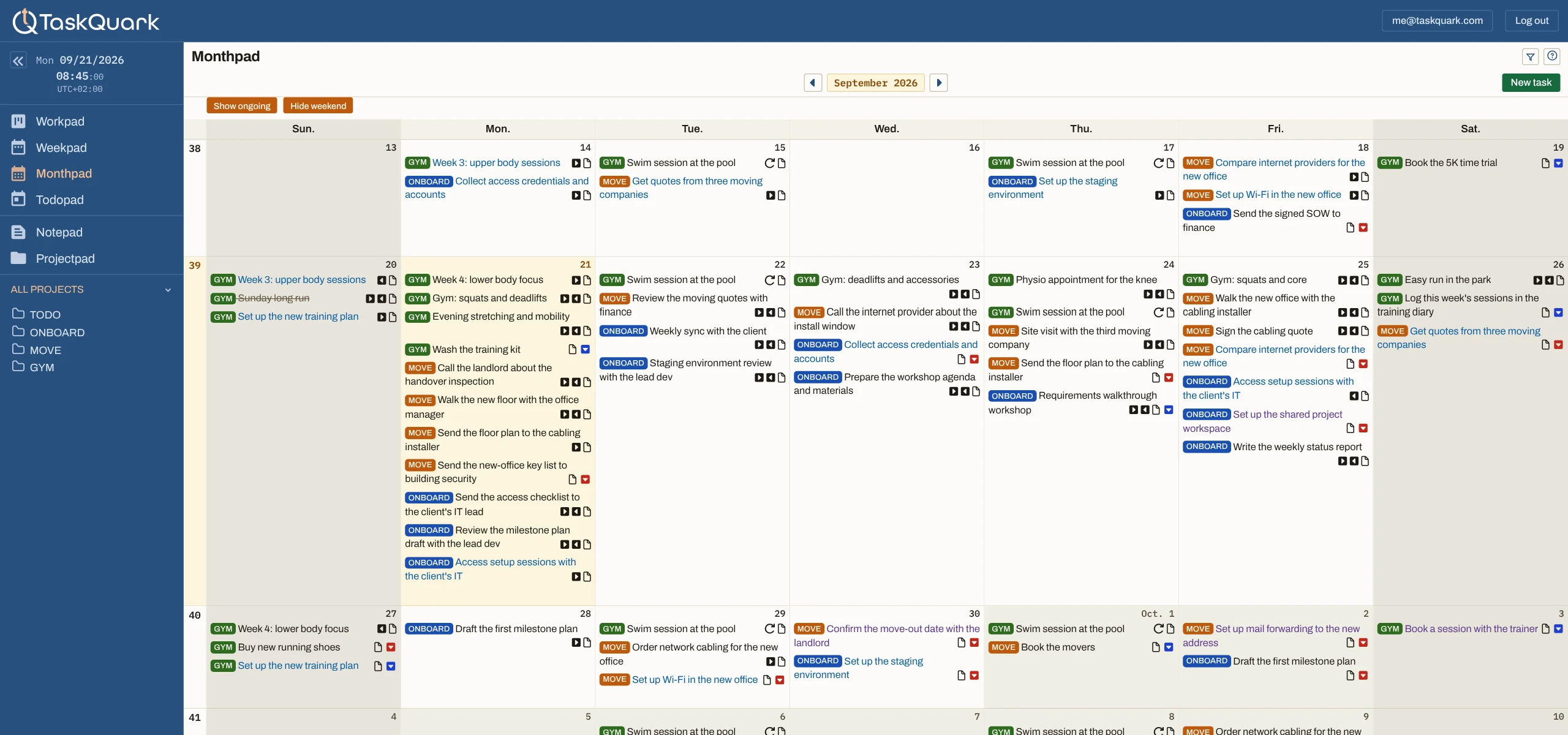
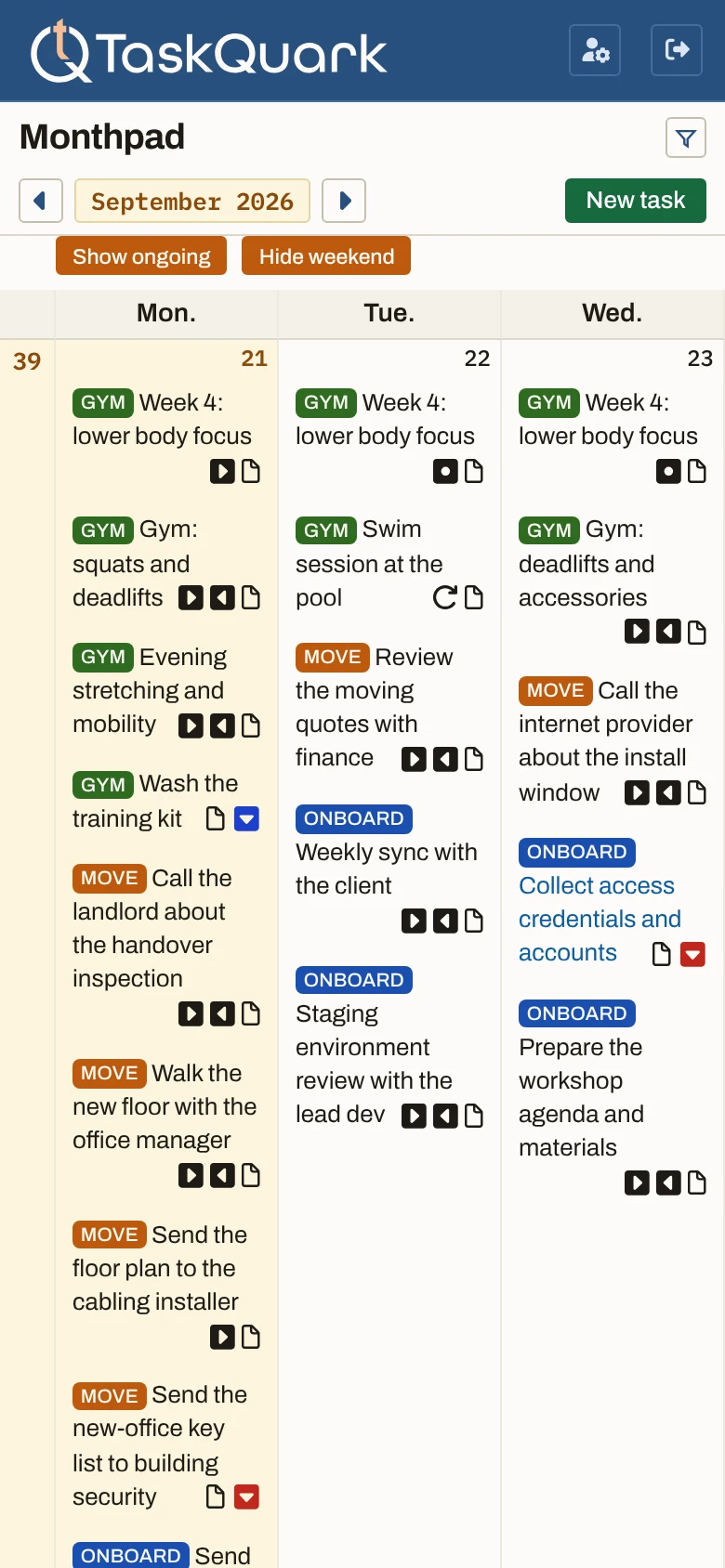
- Months. Move ahead through the coming months, or back through past ones, and return straight to this one.
- Days. Weekdays only or the whole week. Click a date to open that day’s Todopad.
- Weeks. Always six, each with its number, so the month never cuts off at its last day.
- Tasks. Every project’s tasks on the days they start, end, fall due, or reach their target.
Every date that matters, from every project, in one month
An ordinary month calendar shows appointments; a project runs on other dates too. Each task date — start, end, due, and target — sits on its day, from every project at once.
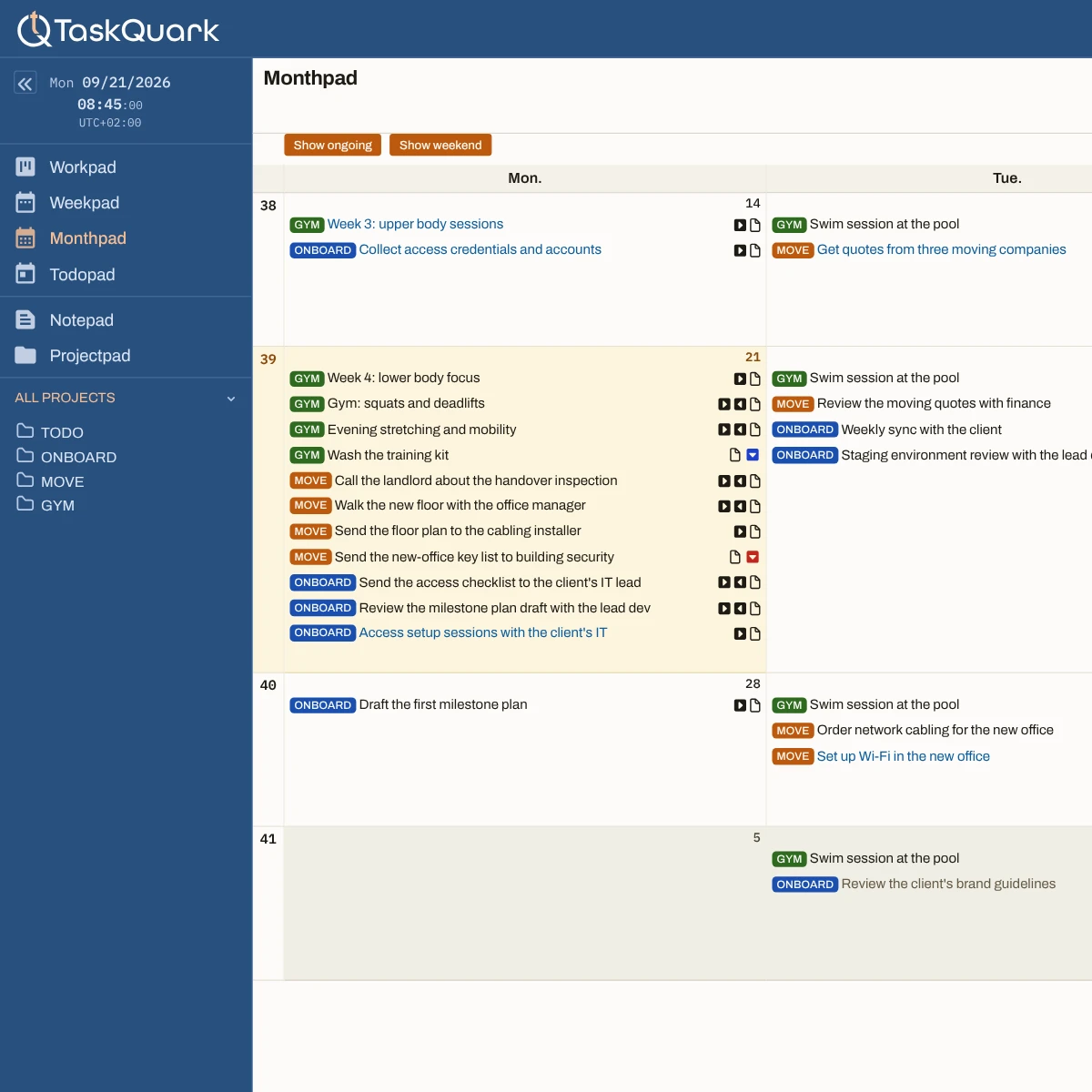
The milestones of the month, without the daily noise
A task you work on for weeks would fill every one of its days. Keep ongoing tasks hidden for the milestones of the month, or show them for the full detail of any project.
A high-level view or the full detail
Select one project for a high-level view of its month. Show ongoing tasks for the full detail: every day its work is under way.
What counts as ongoing
A task in the doing state is under way on every day between its start and end dates, so the Monthpad can put it on each of them.
What stays when you hide the ongoing detail
Every date that matters: the start and end of a task, its due and target dates, and the days its schedule repeats. Only the daily copies of work under way come off, until you show them again.
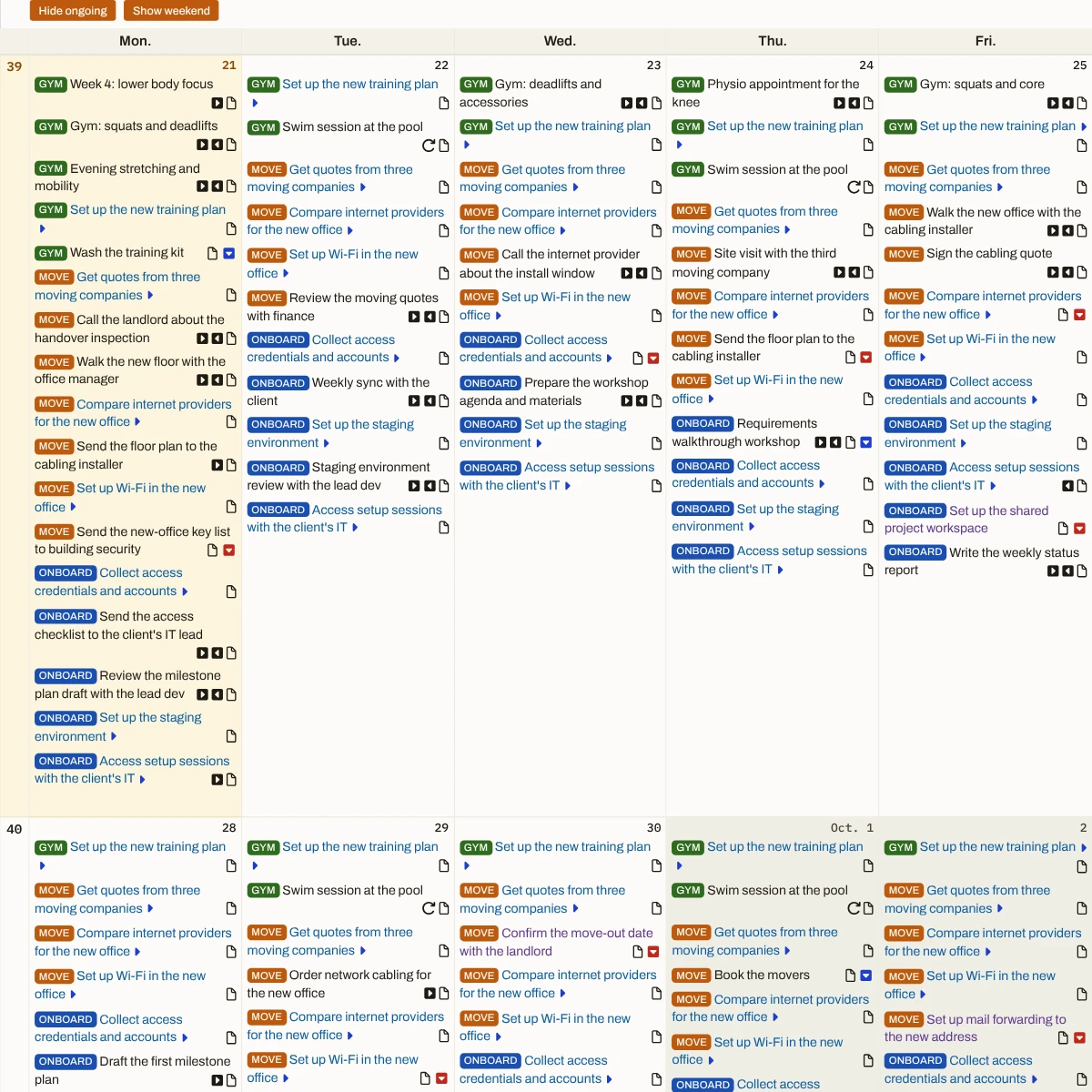
Six weeks in view, not just the month
A month view stops on its last day, so a deadline on the 2nd stays out of sight until you turn the page. The Monthpad always shows six weeks, so the first days of next month are already on the grid.
Every client’s deadlines in the same month
Freelancing, each client sets its own dates. Here they share one month, so you see a crowded fortnight coming before you take on another deadline inside it.
Clashing deadlines show up weeks ahead
Managing a team across several projects, each keeps its own timeline. The month puts them side by side, so two deadlines landing in the same week show long before it.
The personal plans are in the same month
Running a business, the month holds more than work. A move, a course, or a season of training sits beside the client dates, so neither is planned blind.
See next month’s deadlines while there is still time to move them.
Start with one project and the deadlines you answer for.The Monthpad lays them out six weeks at a time.