
Every project on one weekly calendar, as detailed as you need it
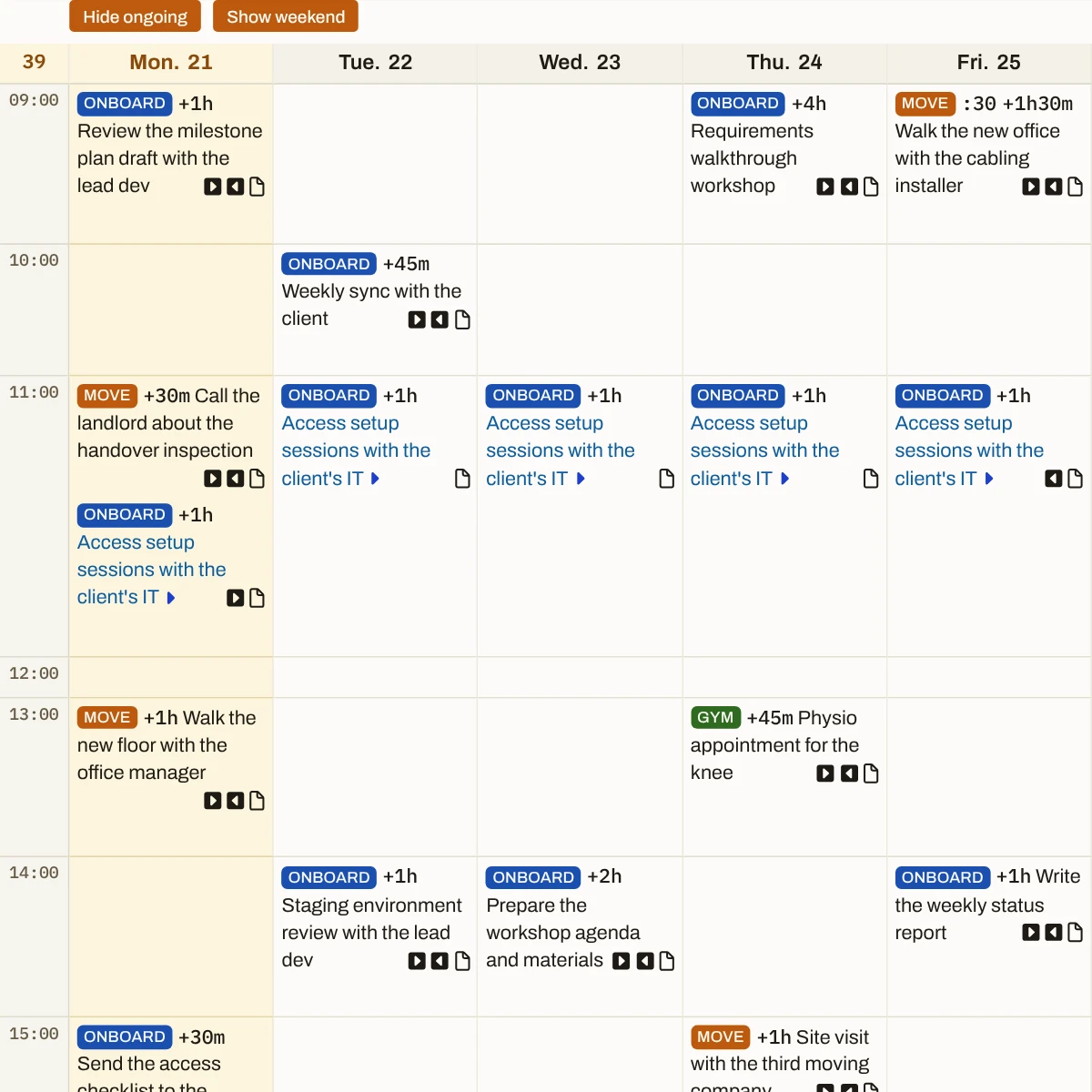
Each project keeps its own dates, and the week they add up to only exists in your head. The Weekpad puts them in one week, hour by hour, with ongoing tasks shown or hidden as you choose.
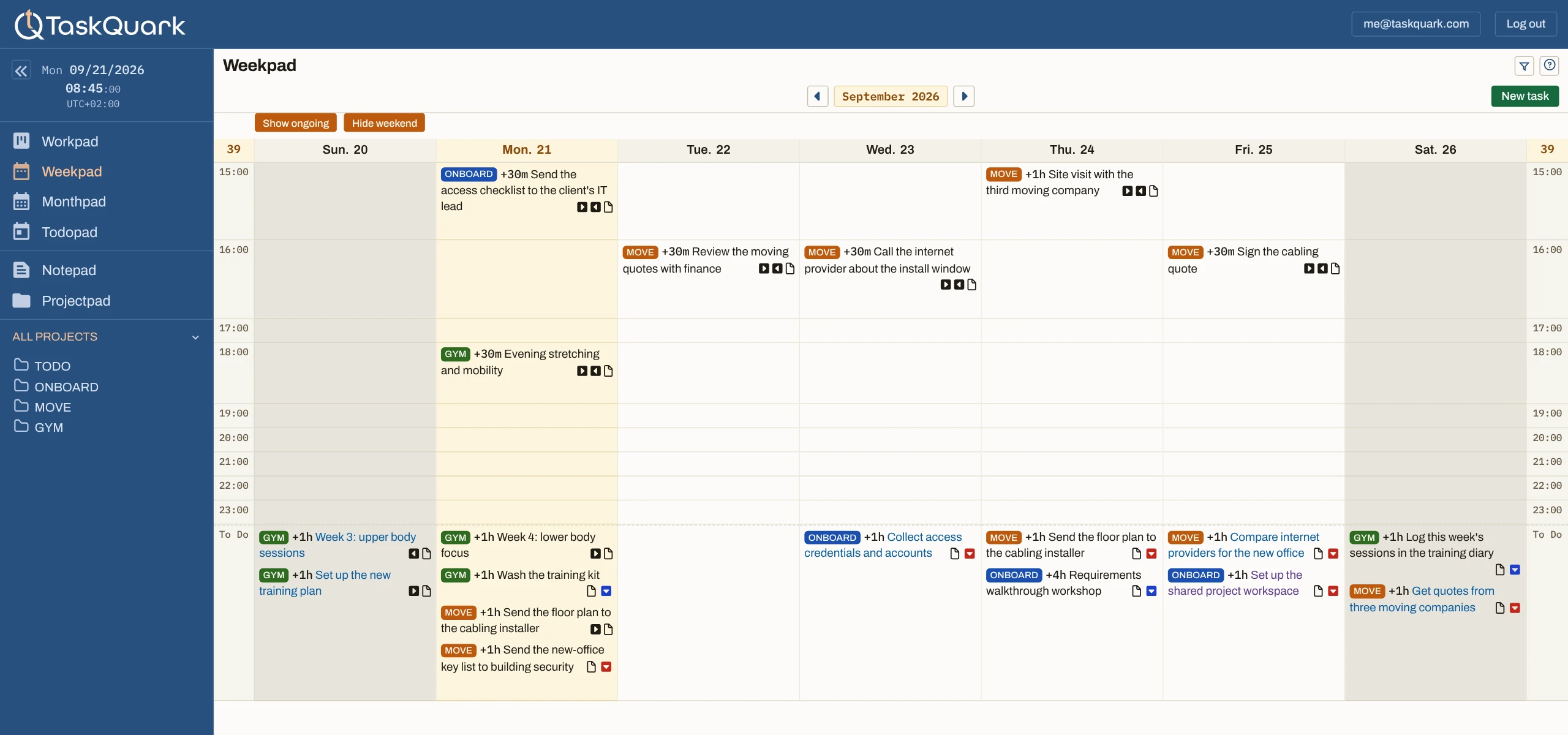
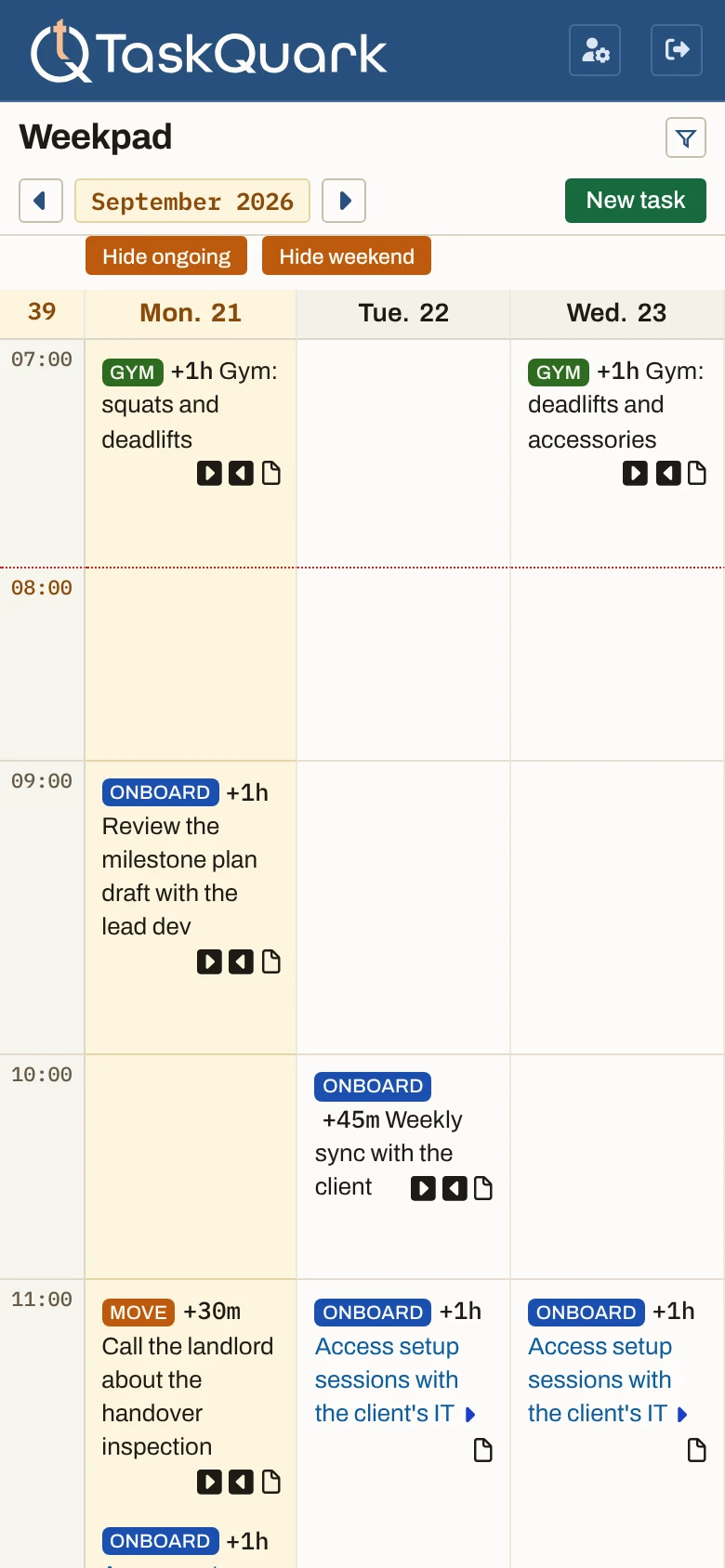
- Weeks. Move ahead through the coming weeks, or back through past ones, and return straight to this one.
- Days. Weekdays only or the whole week. Click a day to open that day’s Todopad.
- Hours. Every event, from every project, in the hour it happens.
- To Do. The work with no time set, at the foot of the day it belongs to.
The schedule of a day, and the work with no time on it
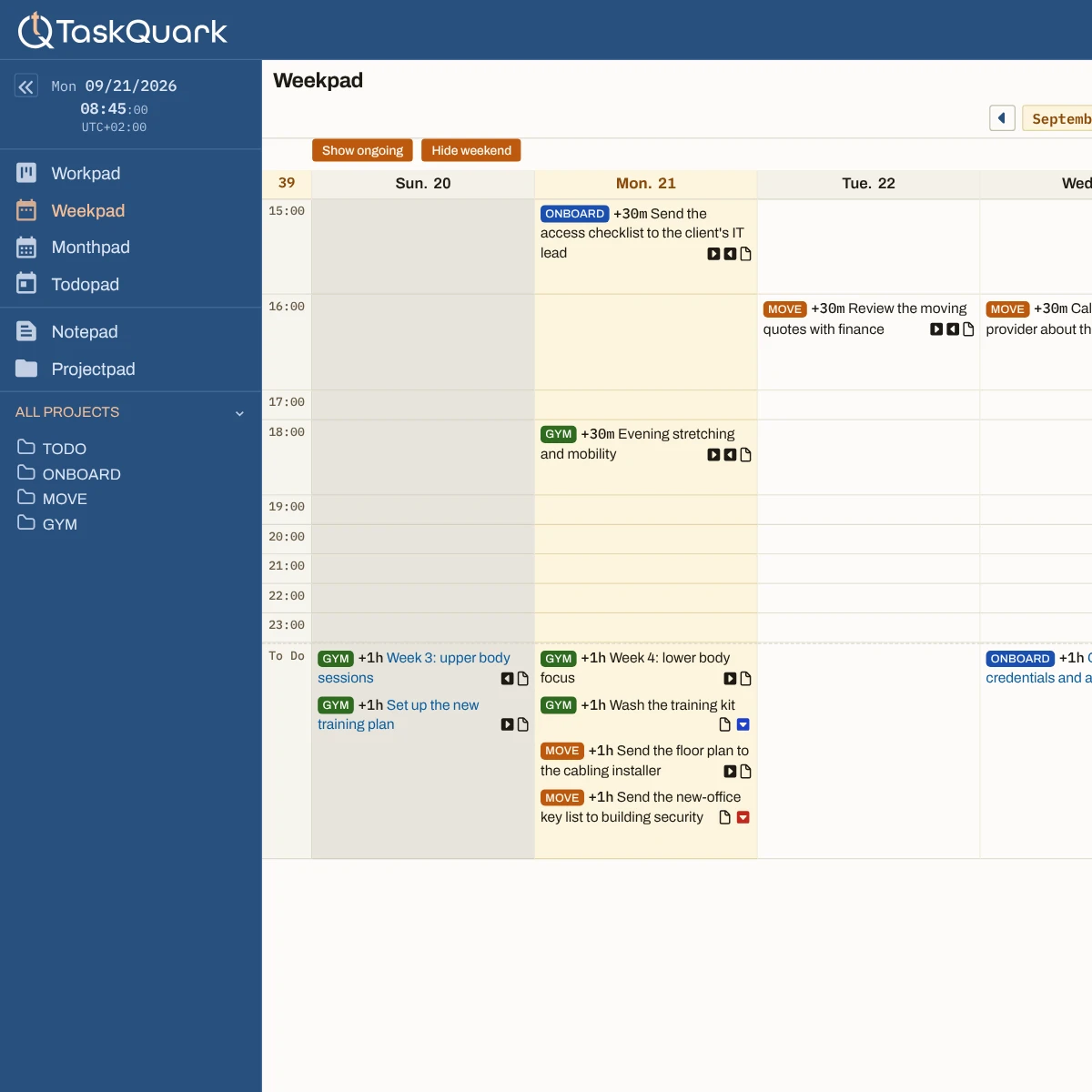
An ordinary week calendar only has room for what has a time. Here each day holds both: every project’s events in their hours, and its to-dos at the foot of the day.
A pad for your week, not yet another calendar
You already have a calendar, and it shows your meetings to everyone you work with. The Weekpad is your own pad beside it: drag a task to another day or hour, change its state or priority from its card, or click an empty hour to add one.
The main events of the week, without the daily noise
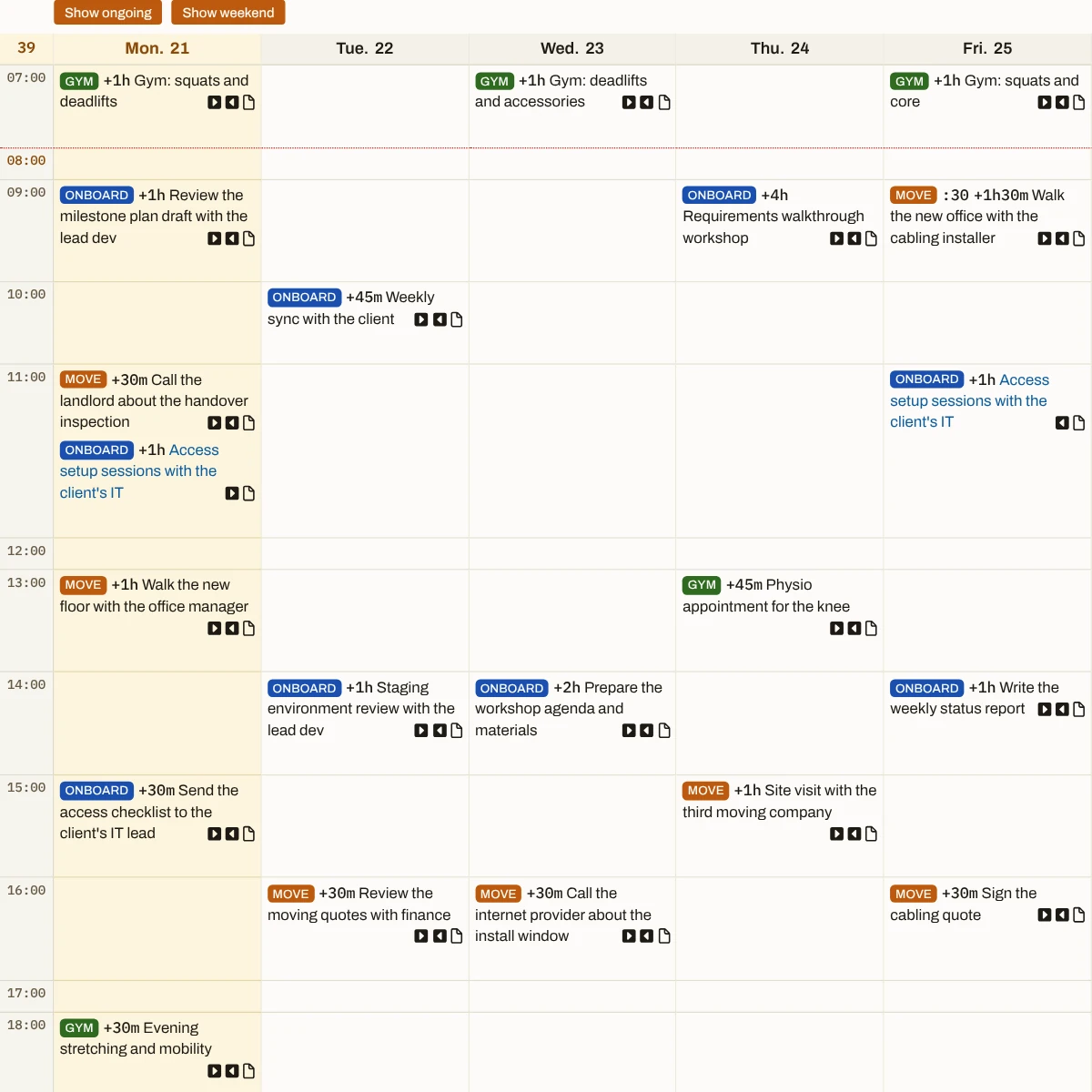
A task you are working on for days shows up on every one of them. You can hide ongoing tasks for a cleaner view of the week, or show them all for the full detail of any project.
Full week detail or high-level view
Select one project and show ongoing tasks for everything it has on. Select all projects and hide them for a high-level view of the week.
Ongoing tasks
A task in the doing state is under way on every day between its start and end dates, so the Weekpad puts it on each of them — at its work time, or in To Do when it has none.
What stays when you hide the ongoing detail
Every date that matters: the start and end of a task, its due and target dates, and the days its schedule repeats. Only the daily copies of work under way come off, until you show them again.
One client’s week, or every client’s at once
Freelancing, a client asks what you have on for them. Select their project and the week shows only their work; select all your projects and you see everything you owe.
Your own work has a place between the meetings
Managing a team, the week fills with other people’s meetings. What you have to do yourself sits in To Do under each day, where you can see which day has room for it.
The personal side is in the same week
Running a business, work and personal commitments share the same days. Both sit in one week, so the appointment is there before a client meeting lands on top of it.
Start the week on your own pad, with every project already on it.
Start with one project and the dates you owe this week.The Weekpad puts each one on its day.