
The notes that don’t belong in the tools you’re given, kept beside the project they’re about
Every project leaves a trail of things worth writing down, and they end up in a document nobody can find or a wiki everybody can read. The Notepad keeps them in one list of your own, grouped under the project each one belongs to.
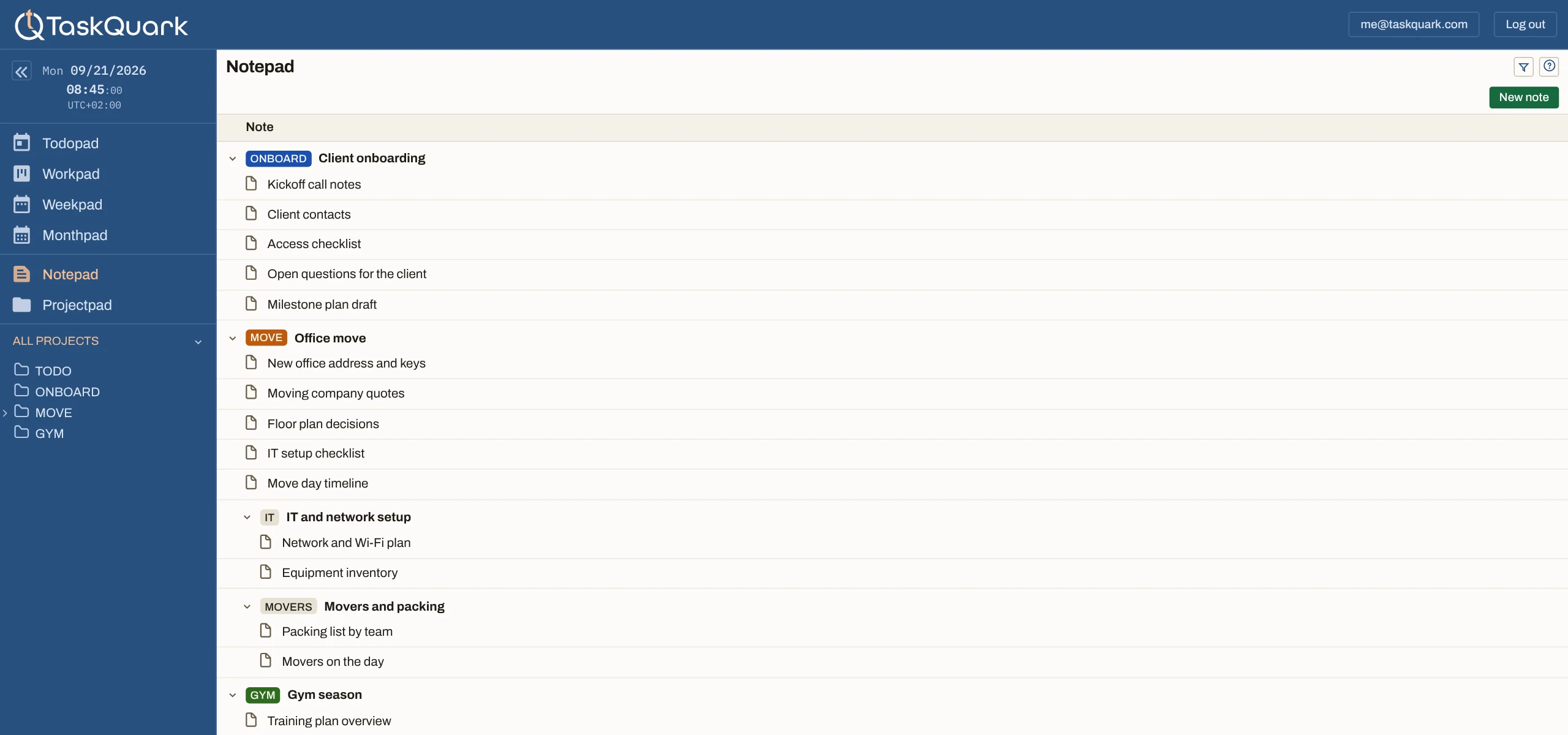
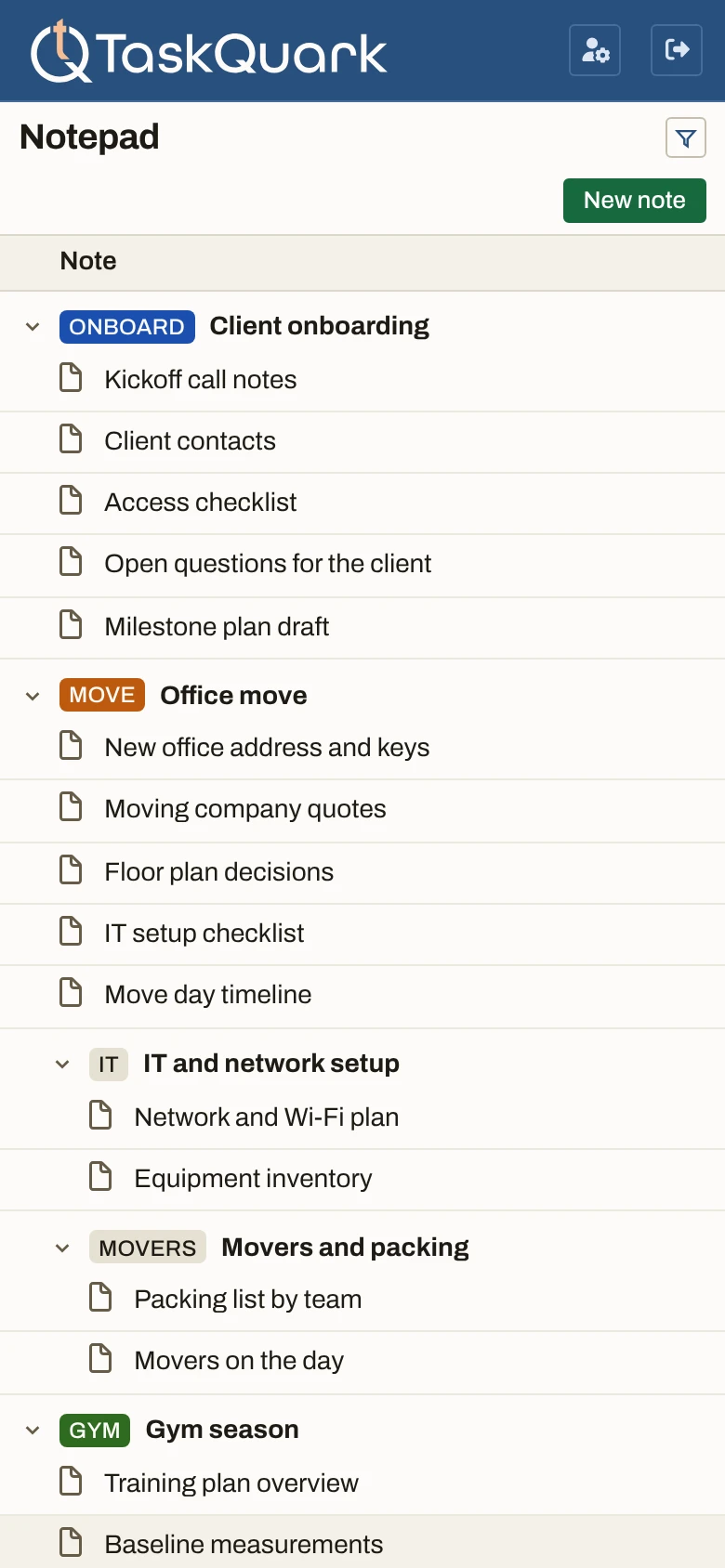
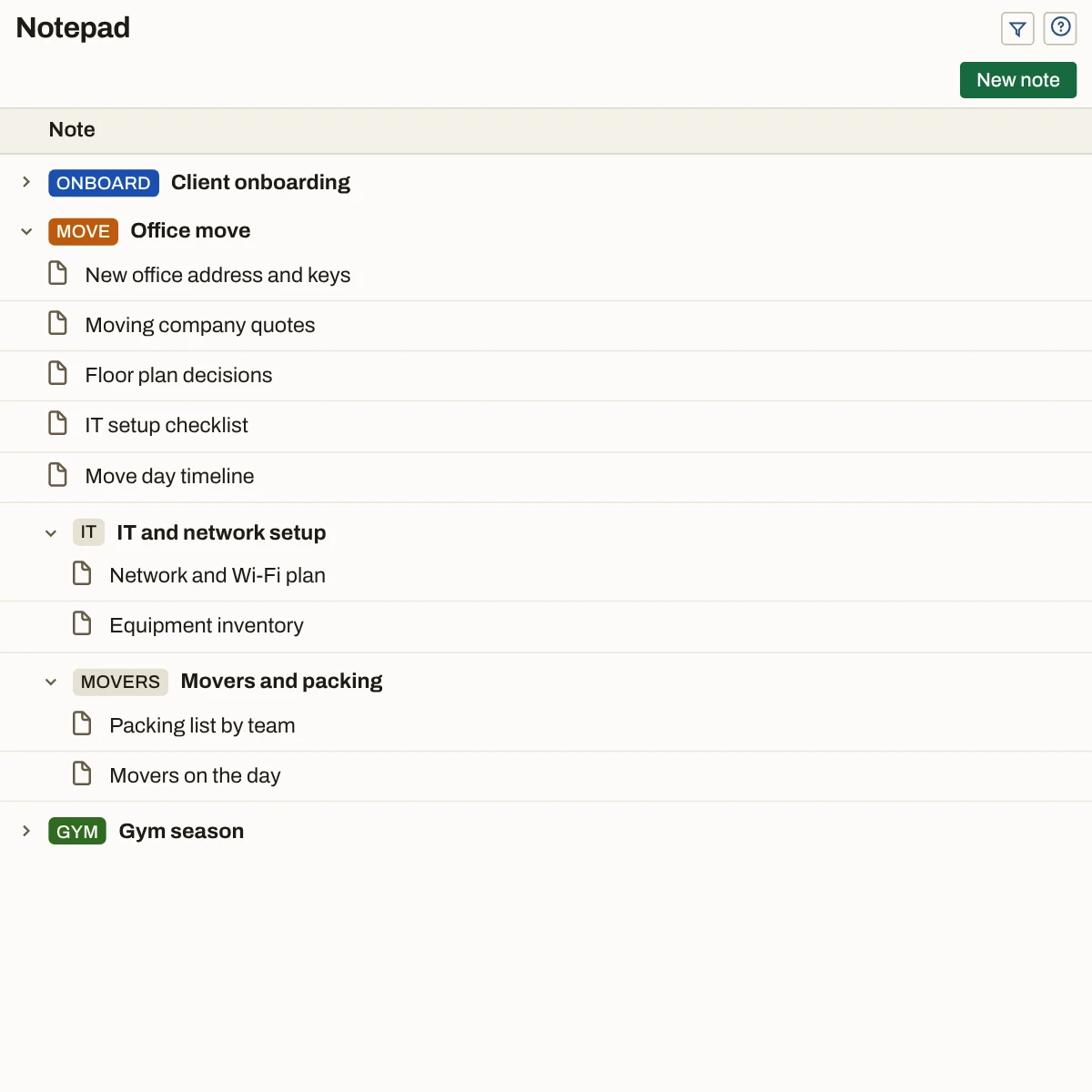
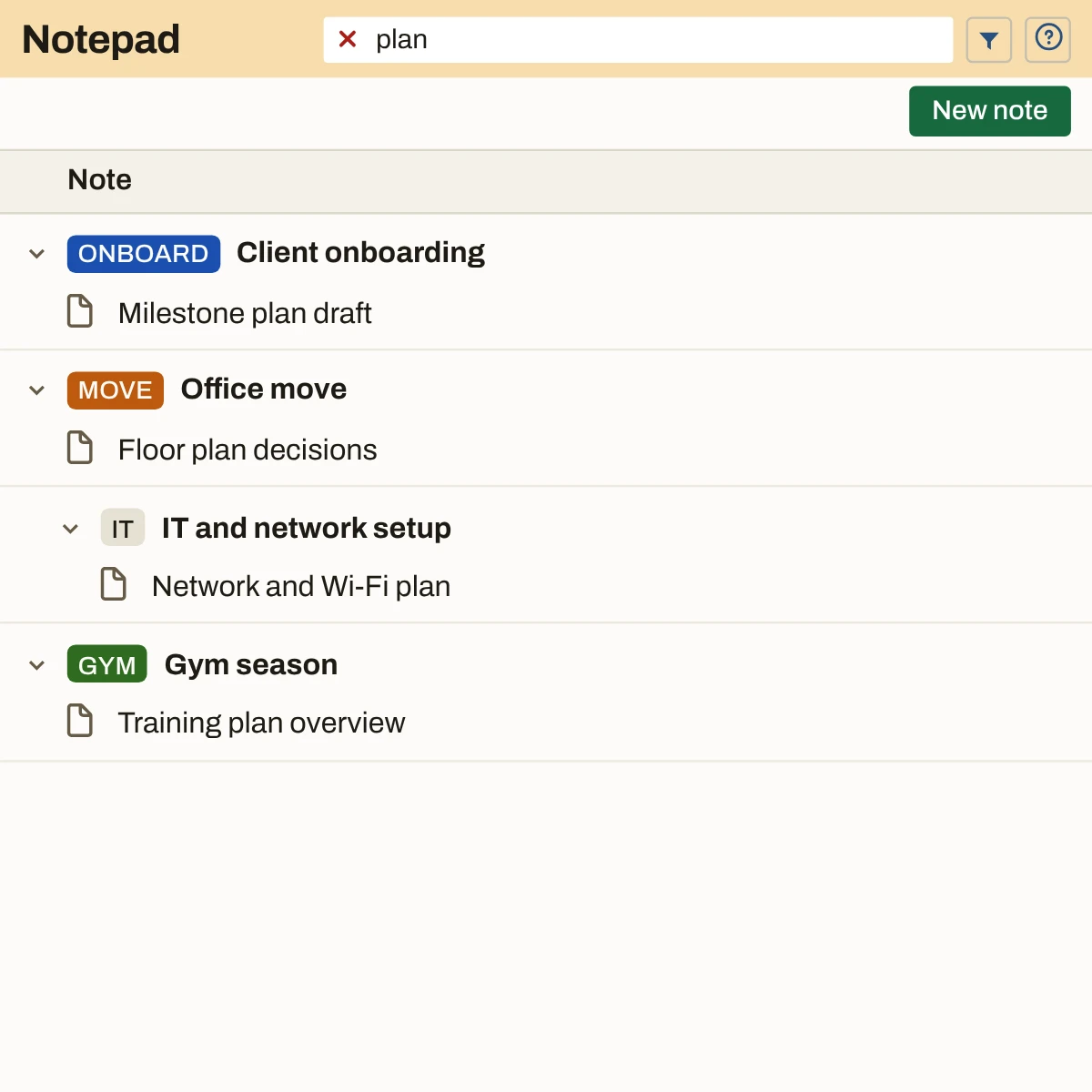
- Projects. Each project is a group in the list, with its subprojects nested under it. Close the ones you’re not using.
- Notes. One line per note: its title, under its project. Click the line to open it.
- Filter. A few letters of a title and the list narrows as you type. Found before you finish the word.
- Private until you share. Your notes stay in your own account, read by no one else, until you invite someone to the project.
Filed under the project, not in a pile
A notes app gives you one long list and a search box. Here a note belongs to a project from the moment you write it, and the list is the same tree of projects you already use for your tasks.
Written for you, not for an audience
The client’s wiki belongs to the client. The team’s docs belong to the team. What you learned, what you were told in confidence, and how you actually got the thing working have nowhere to go — so they go in your head. Here they go under the project they’re about, in a space of your own, written the way you’d write them for yourself.
Not in a tool someone else runs
Your notes live in your own account, not in the tool your employer or your client runs, where an admin can open every page.
Out of sight on a screen share
Select the project you are on a call about and every other project’s notes leave the list. Personal notes, other clients’ notes — none of it is on screen.
Encrypted, never sold, gone when you go
Encrypted from your browser to us and again at rest. Never scanned for ads, never sold, never fed to a third-party AI service you did not ask for. The day you decide to leave the tool, your notes are gone.
Find it by what you called it
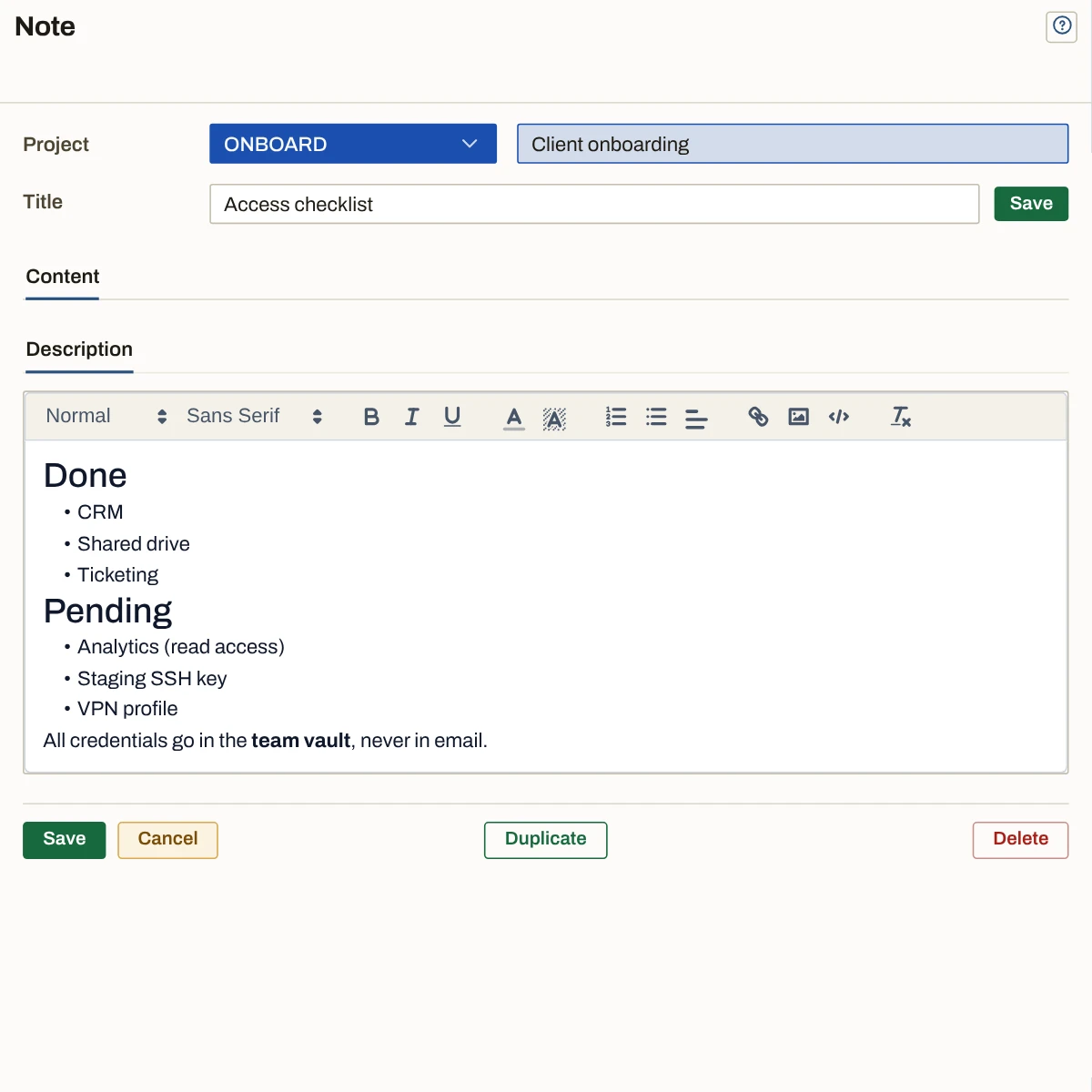
The list shows one line per note, and that line is the title you gave it. No previews of the first paragraph, no dates in a second column — a list of titles under their projects is the fastest index there is.
How each client’s setup really works
Freelancing, you learn every client’s stack the hard way. Who approves what, how their access is wired, what broke last time — under their project, not in their tool.
What you’d never put in the team wiki
Managing a team, some notes are about people: what was said in a one-to-one, what you decided and why. Keep the tools you’re given. Keep this one for yourself.
The business’s own memory
Running a business, the accounts, the suppliers, the renewals and the checklists live in your head until they don’t. Here they live under Operations, Billing, Hosting — the projects they already are.
Every project’s notes, in one list of your own.
Add a project and write down the first thing you’d rather not forget.The Notepad keeps it beside the work.