
Your entire day on one page, even the parts you’re waiting on
Your day is spread across projects, and whatever slipped or is stalled on someone else drops out of sight. The Todopad lays out every project’s to-do list and schedule for the day on a single private page, with the stalled work kept in view.
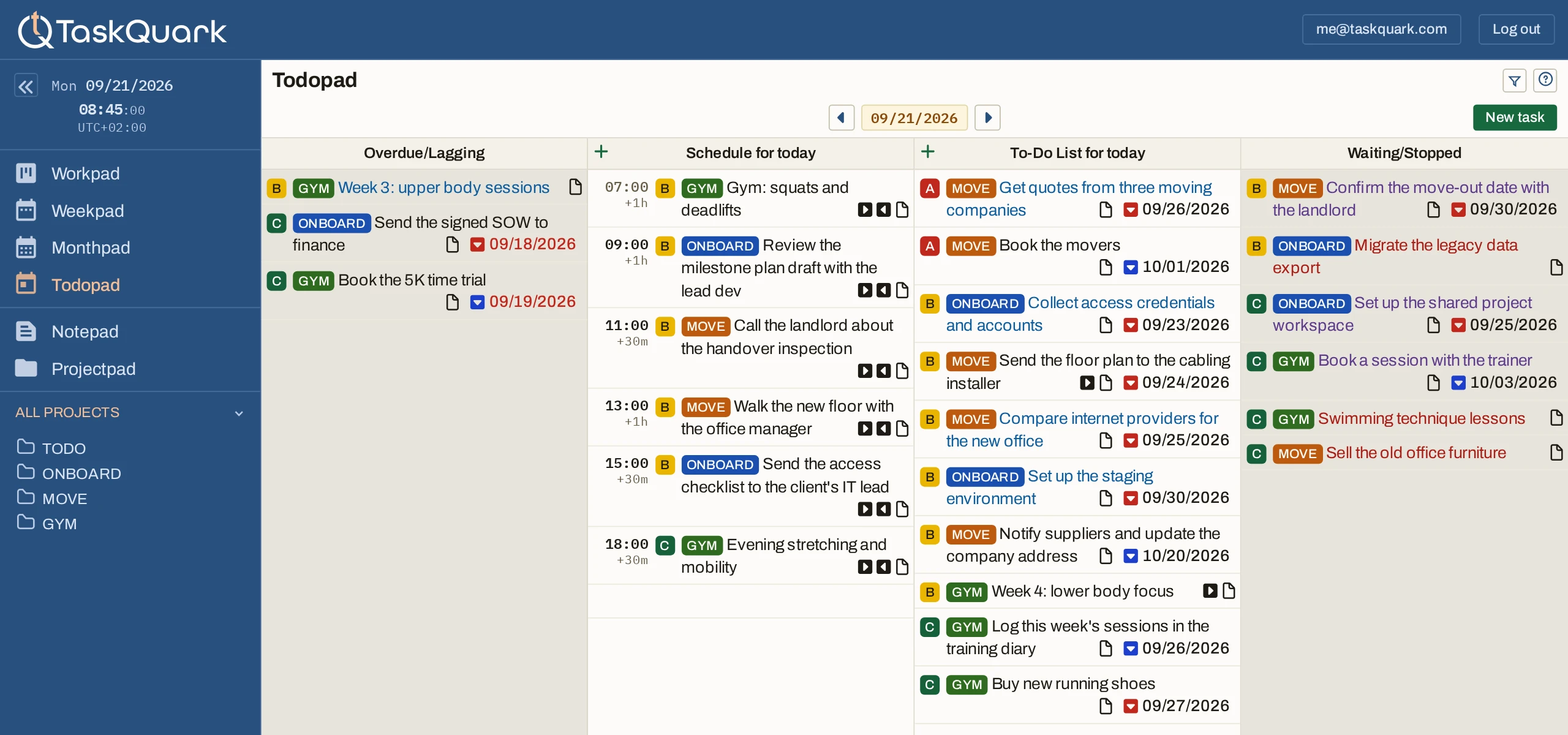
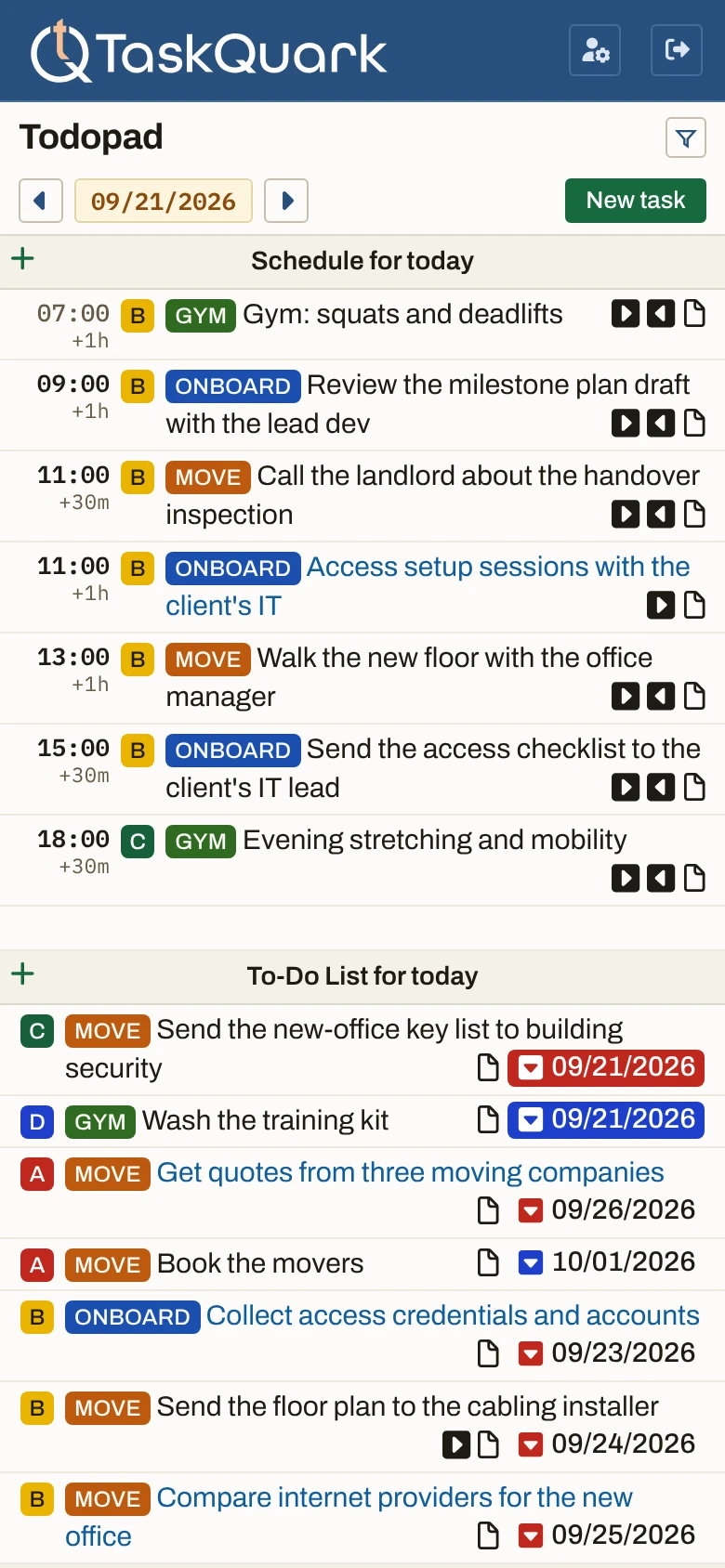
- Overdue/Lagging. What slipped, carried forward instead of quietly dropped.
- Schedule. Everything with a time on it, in time order, from every project.
- To-Do List. Work you could pick up today, in the priority order you set.
- Waiting/Stopped. Handed off or blocked — visible, so following up is not a memory task.
The work that isn’t yours right now
Sent to a client, blocked on a decision, parked until something else lands. Most tools bury these among the things you can actually act on. Here they have a column, and it is on the page you already read every day.
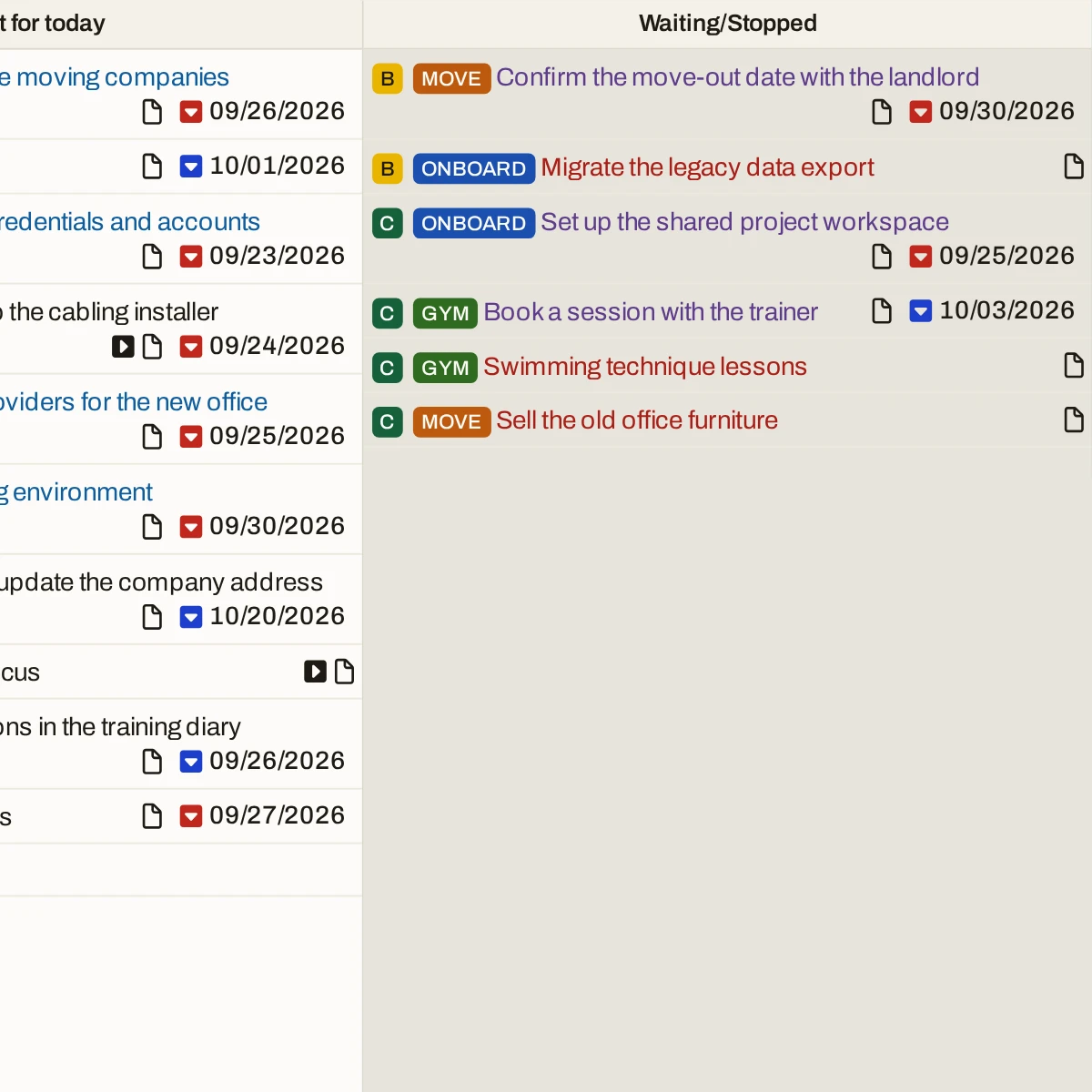
What slipped is carried forward, not dropped
A task that went past its date does not fall off the bottom of the day. It moves into a column of its own and stays there while new work keeps arriving.
A due date and a target date are not the same thing
A due date is a commitment to somebody else. A target date is the day you meant to get to it. Both put a task in this column when they pass, and the mark tells you which one it was — so a slipped intention never gets mistaken for a missed deadline.
It is not a list you maintain
Nothing is moved here by hand. A task arrives the moment its date passes, and leaves when you finish it or give it a new date.
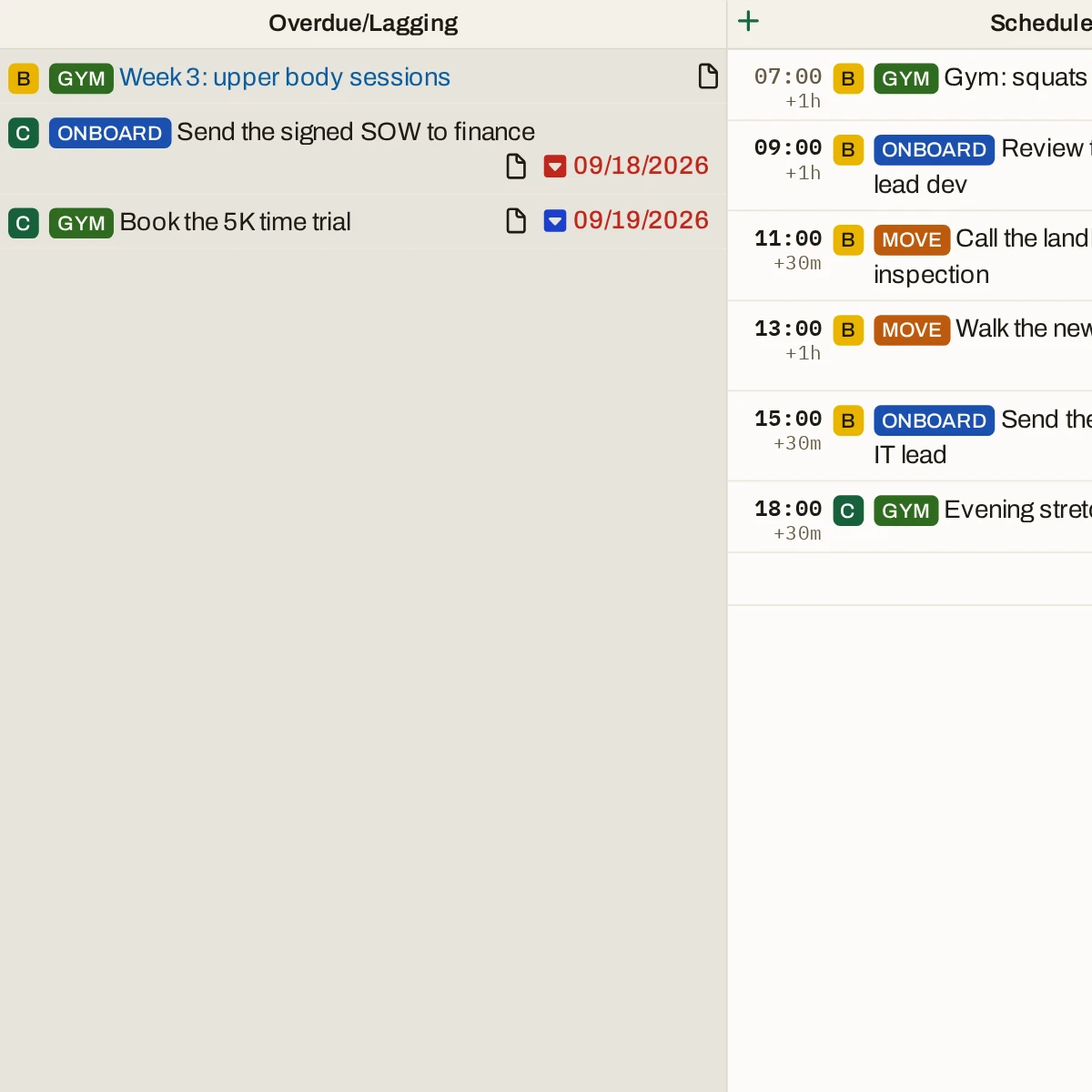
One list, in the order you set
The work with no time attached — the majority of it — collected into one list across every project, in the priority you gave it, with anything due today on top. The question stops being "what is there" and becomes "what next", which is a much shorter question.
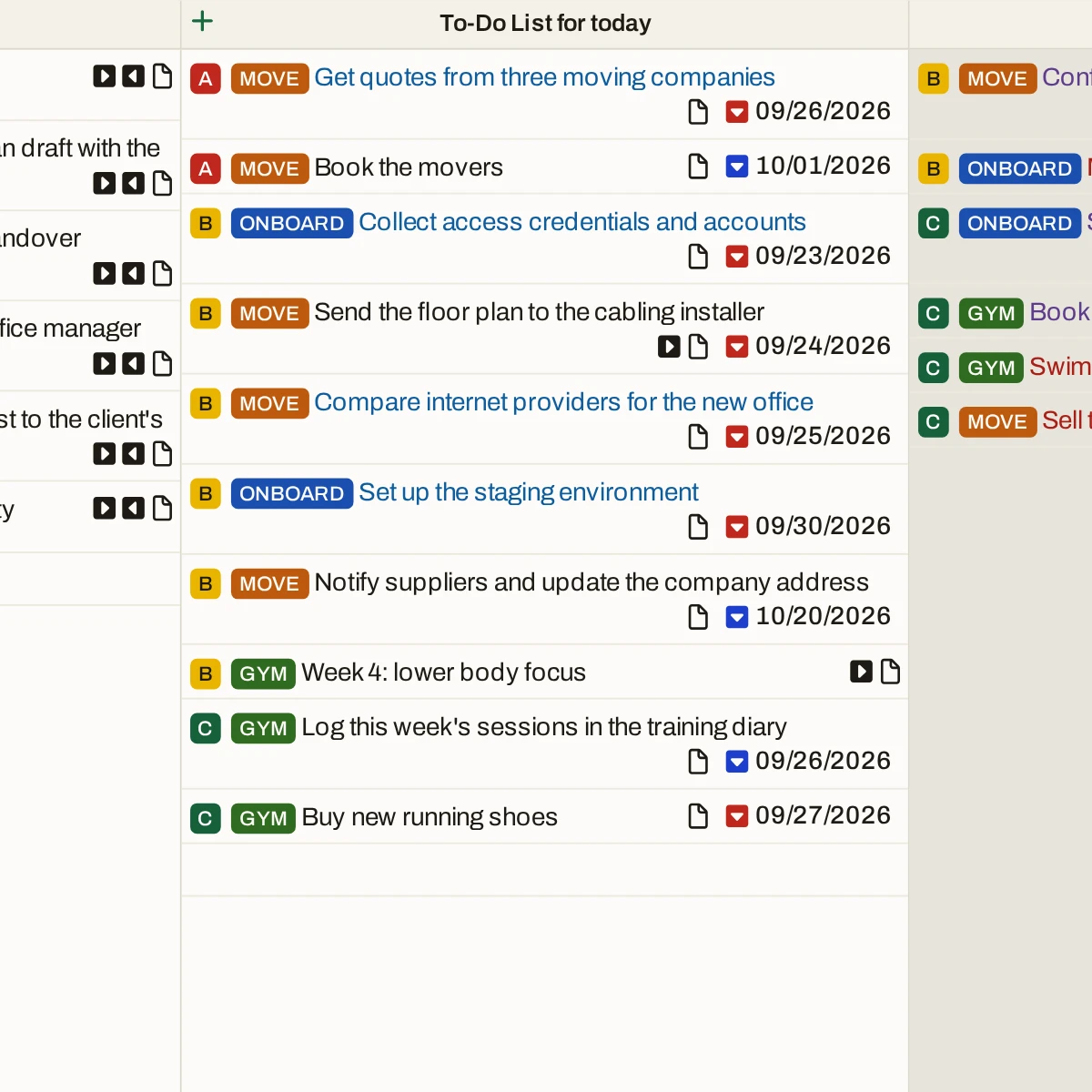
The day arrives already in order
Every task with a time on it, from every project, laid out in the order it happens. You are not assembling the day from each project’s own list — it is assembled, and you are reading it.
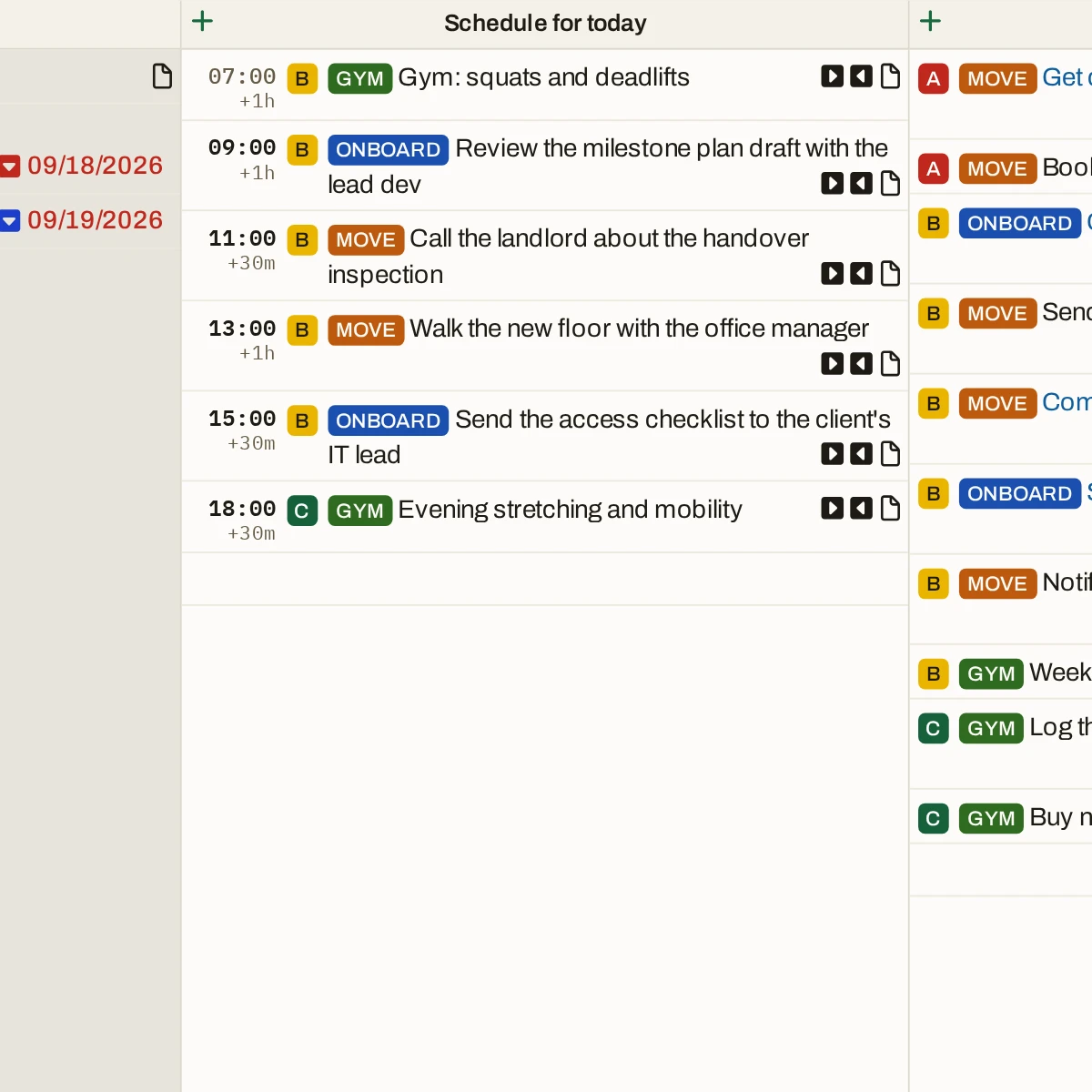
Nothing you handed off gets forgotten
Freelancing, half your list is out with clients — a draft sent, an approval pending. Waiting/Stopped keeps every hand-off on the page you read each morning, so the follow-up is a glance, not a memory.
The work behind the meetings stays in view
Managing a team, the day is mostly other people’s meetings, and most leave you something to do. The follow-ups go on the To-Do List with everything else you owe.
Your own work stops vanishing
Running a business, your tasks are the ones something urgent displaces. Overdue/Lagging is where they land instead of disappearing.
“Being able to see my tasks in new and different views was really nice.”
Your whole day, in the order you set.
Add one project and the tasks you owe this week.The Todopad does the sorting.